It reads the rate con. It answers your questions.
Drop in rate confirmations and Frontier reads each one and finds the load it pays for. Then ask Scout about your loads, invoices and compliance in plain words.
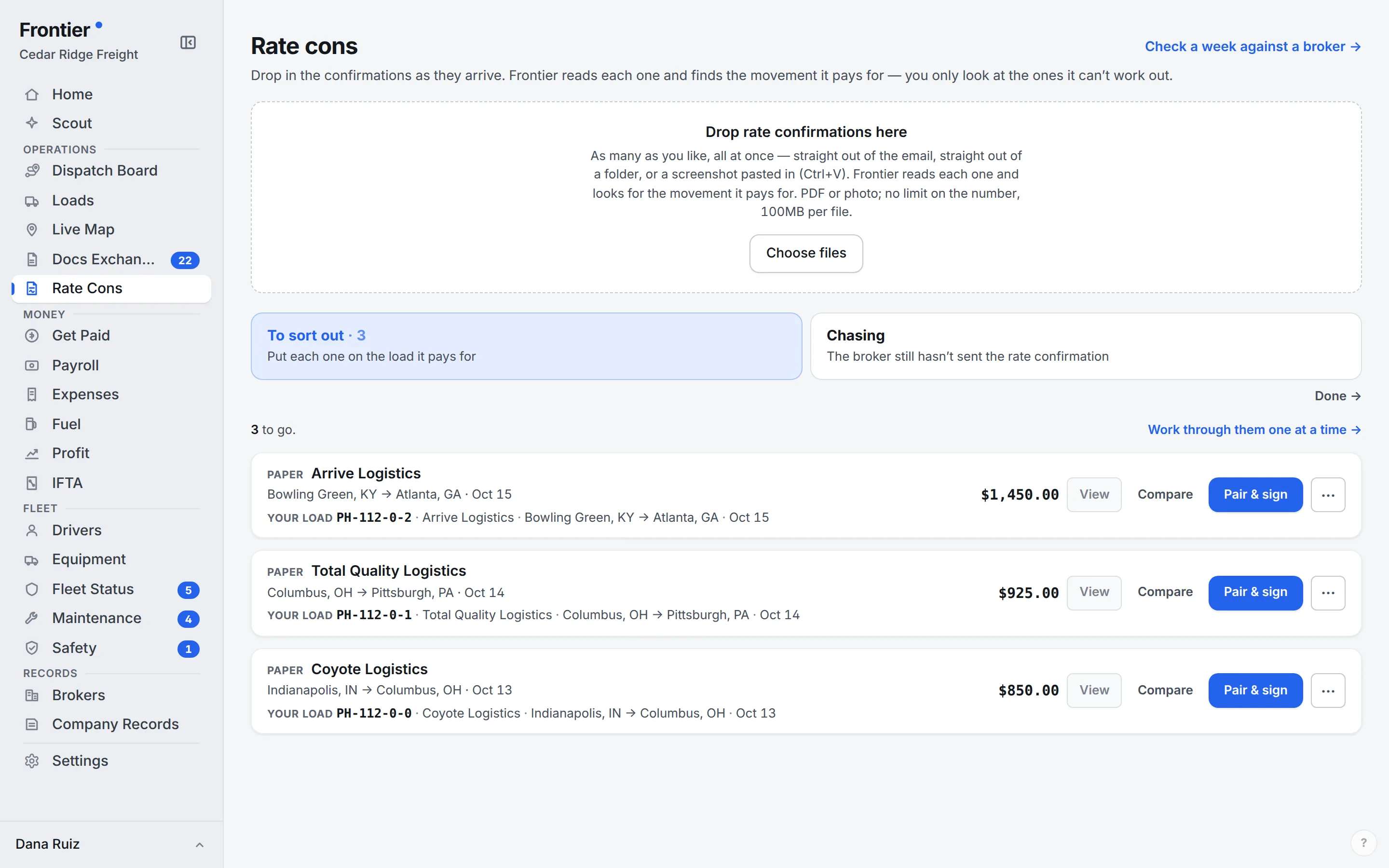
Real app screen · sample company data
From document to dispatch
Upload it. Check it.
Get the load moving.
The broker already sent the details. Start from that document instead of a blank form.
Upload the rate confirmation
Use a PDF or image. Frontier extracts the broker, rate, and the pickup and delivery stops into a draft.
Review what matters
Check street addresses, cities, appointment windows, and pickup / delivery references. Complete missing information and review warnings against the original.
Save and assign
Keep the reviewed details and the rate confirmation with the load. Assign the driver and equipment without re-entering the trip in another place.
Scout AI
Your next question
starts with your records.
Ask about loads, invoices, fuel, or settlements without starting another search. Scout uses the business records available to your account to help you investigate the operation.
“Which invoices still have an outstanding balance?”
Use the answer to find the work that needs attention. Review the underlying records before making financial or operational decisions.
See the workflow with our team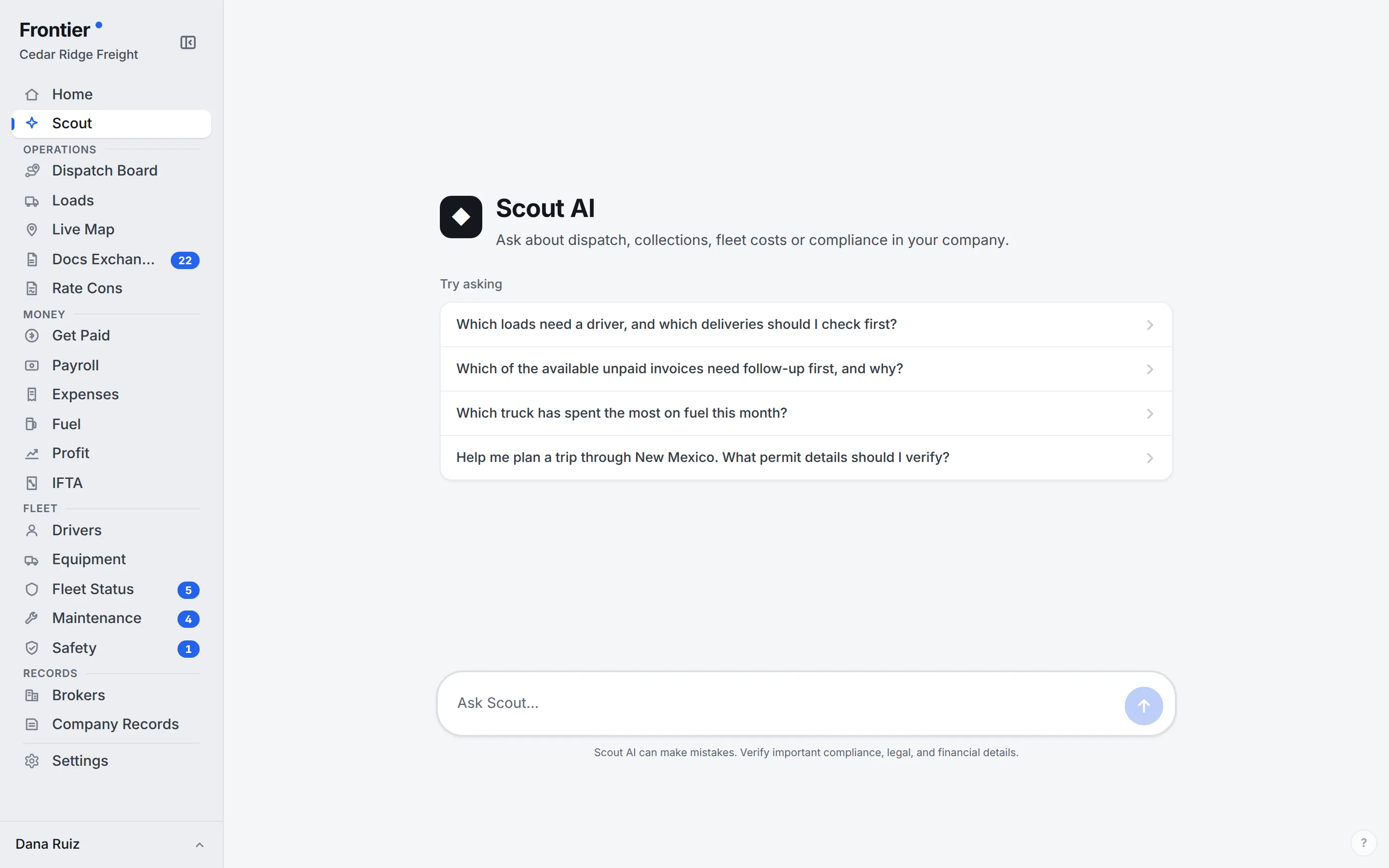
Scout · real app screen · sample company data
No. Extraction can miss or misread information, especially on poor scans or incomplete documents. Check rates, stops, appointment times, and references before saving. Scout answers also depend on the records available to your account.
Start with one truck. It’s free.
Unlimited users on every plan. A real person walks you through setup.